 EN
EN FR
FR ES
ES DE
DE
Girl Wallpaper
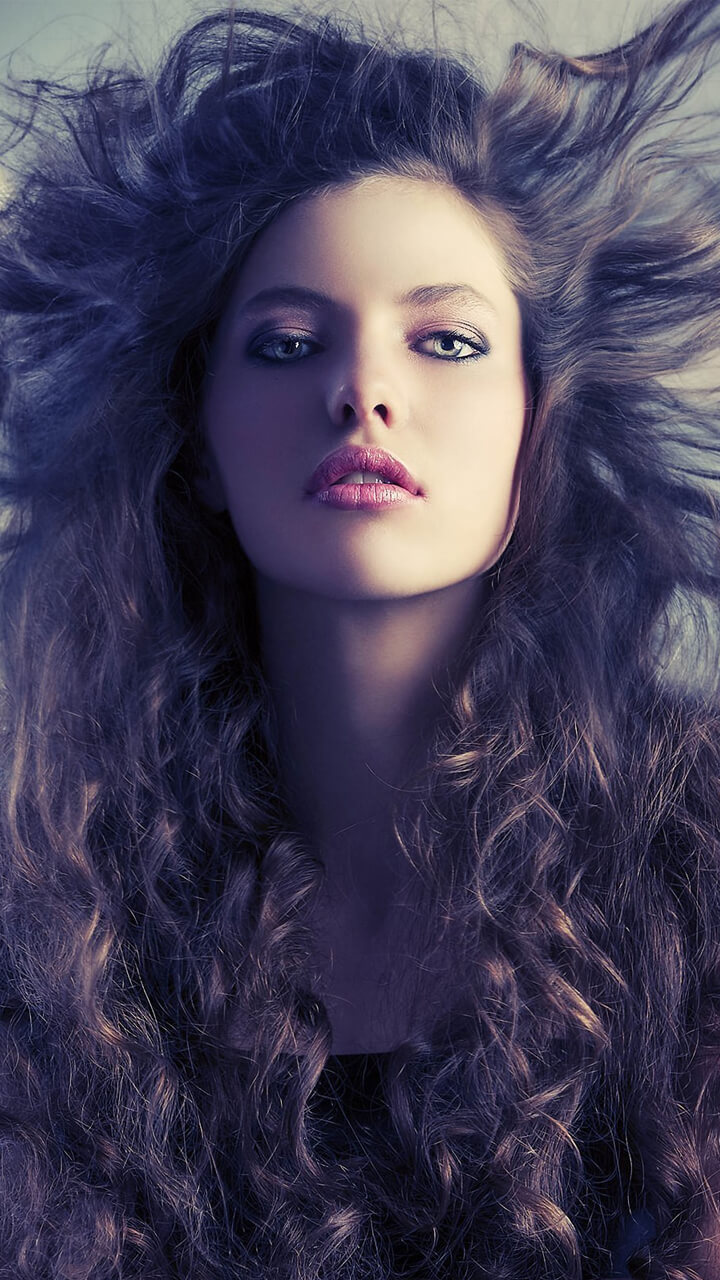
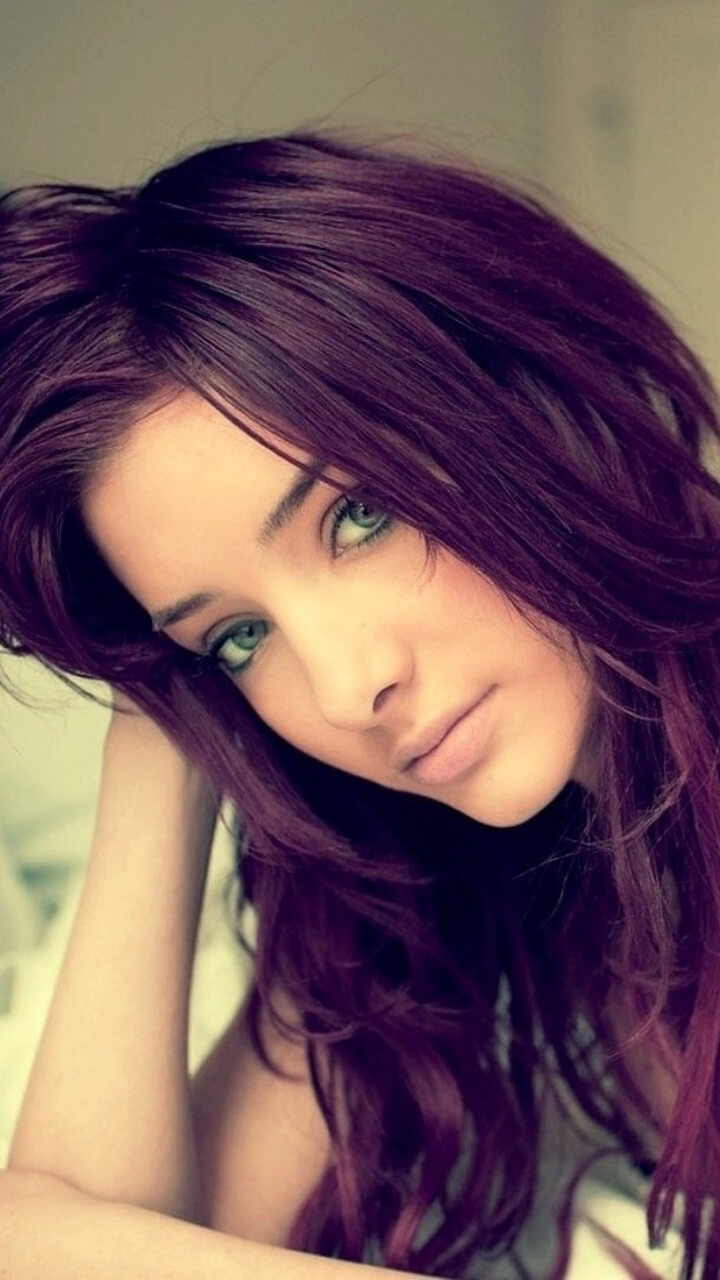
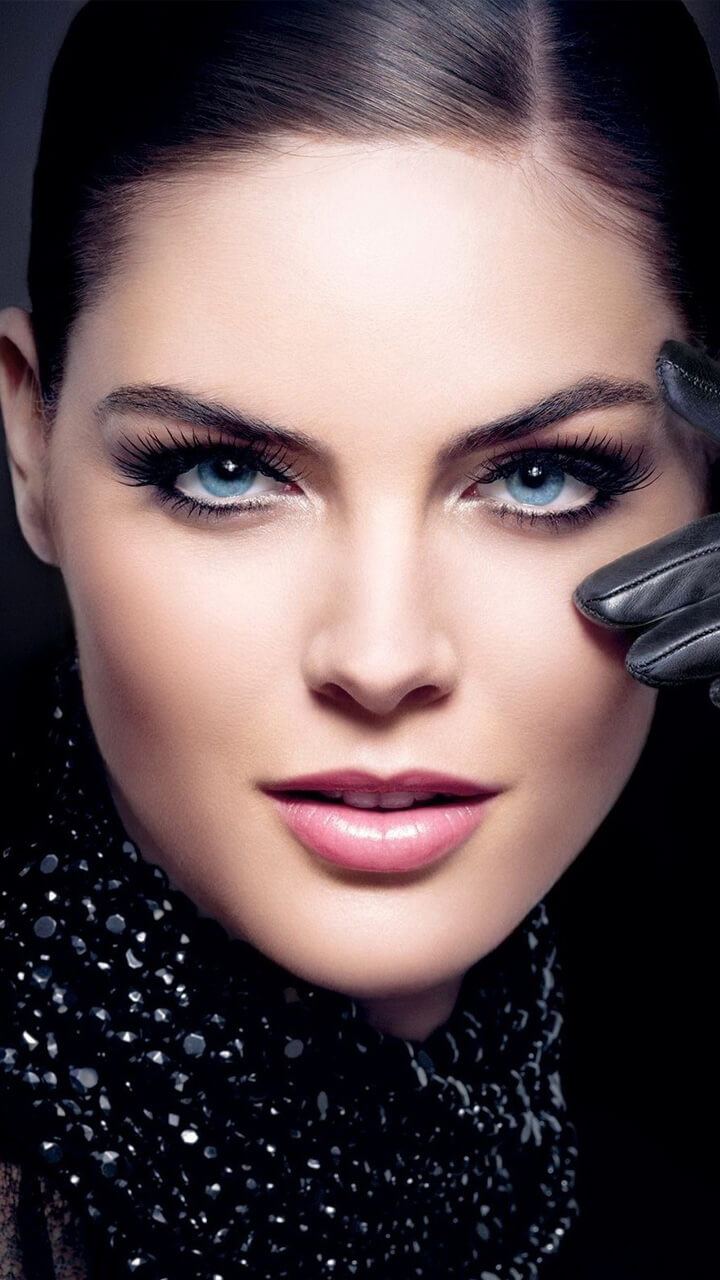
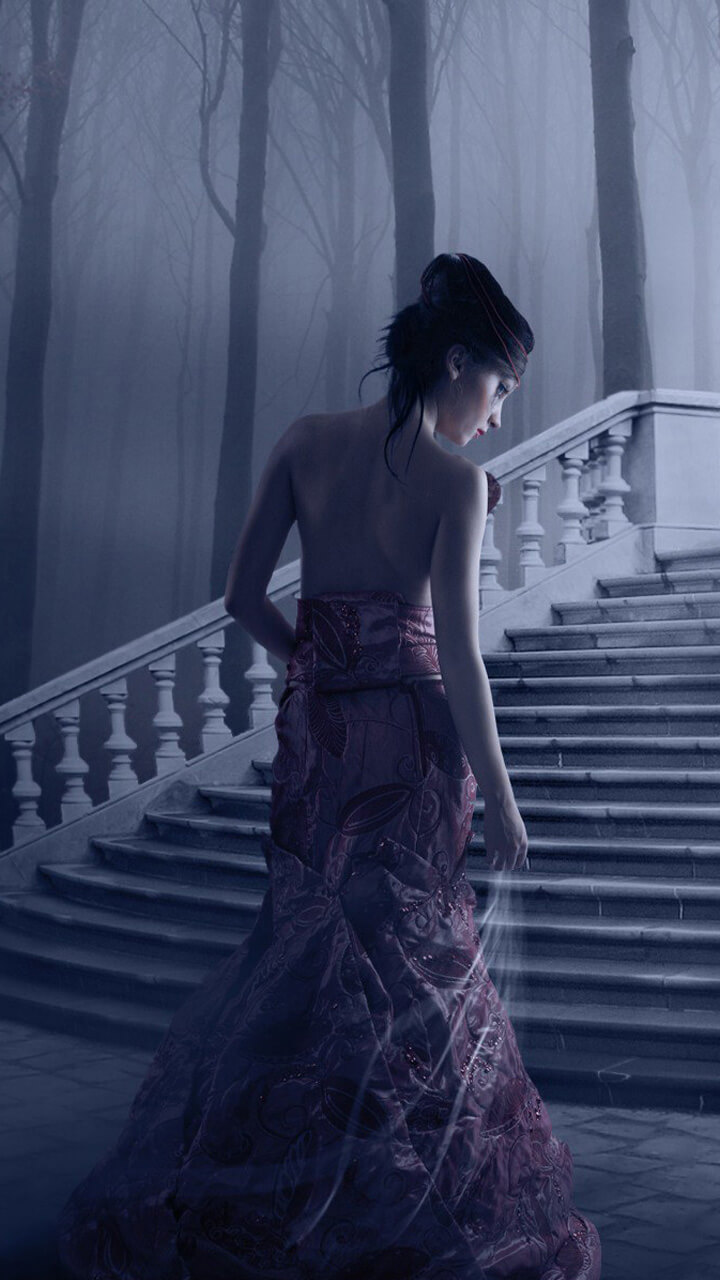
A collection of portrait and lifestyle photography wallpapers in a soft, modern register — natural light, muted styling, and generous negative space around the subject. Framing matters more than usual here: where a face lands on a 20:9 screen decides whether the wallpaper works or gets swallowed by the clock and the icon grid.
Where a face lands on a 20:9 screen
Portrait photography and phone screens disagree about shape, and that disagreement is the main reason a portrait wallpaper disappoints. Most current phones are around 20:9 — far taller and narrower than the 3:2 or 4:5 frame a portrait is usually shot in. Fitting one to the other means losing roughly a third of the width, and a centred crop takes it off both shoulders, which is why a well-composed photograph can end up looking cramped once it's on the screen.
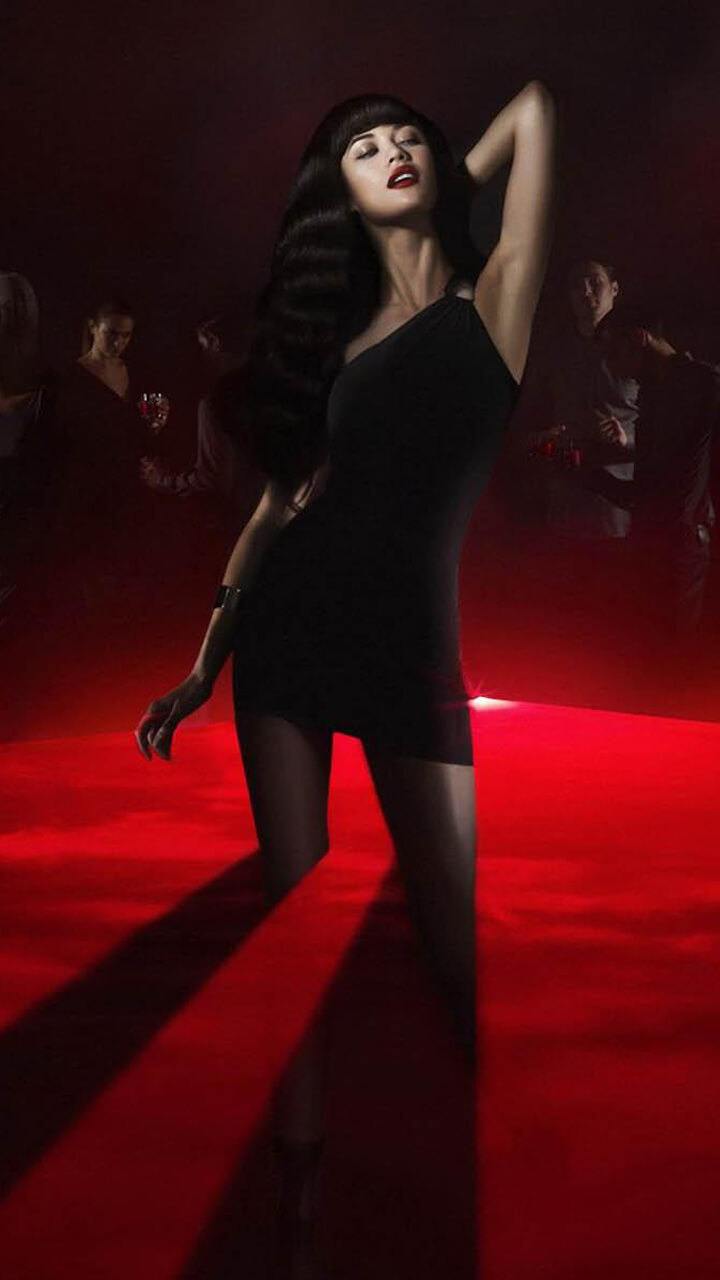
Height matters even more than width. The top of a phone screen is spoken for: the status bar, and on the lock screen a clock that occupies the upper fifth or so. The bottom holds the dock and the gesture bar. A portrait composed with the eyes on the classic upper-third line puts the face directly behind that clock. In practice a portrait works best when the face sits between roughly a third and two-thirds of the way down the frame — low enough to clear the clock, high enough to stay above the icon grid. The images in this collection are framed with that band in mind, and the wallpaper preview tool lets you check any picture against a lock clock and an icon grid before you commit to it. For the underlying composition rules, and when to break them, see the composition guide.
The Portrait Set
The collection gathers tasteful, modest portrait and lifestyle photography with an emphasis on style, soft colour palettes and clean composition. It's the kind of aesthetic, magazine-style imagery that has become popular for personalising a phone — elegant rather than busy.
Soft, Modern Aesthetics
Across the set the look favours gentle tones, natural light and minimal backgrounds. That restraint gives an elegant, contemporary feel and keeps each image calm and uncluttered rather than loud, so it reads well as a backdrop instead of competing with your icons.
← Back to all apps