Tokyo Wallpaper

Tokyo Wallpaper

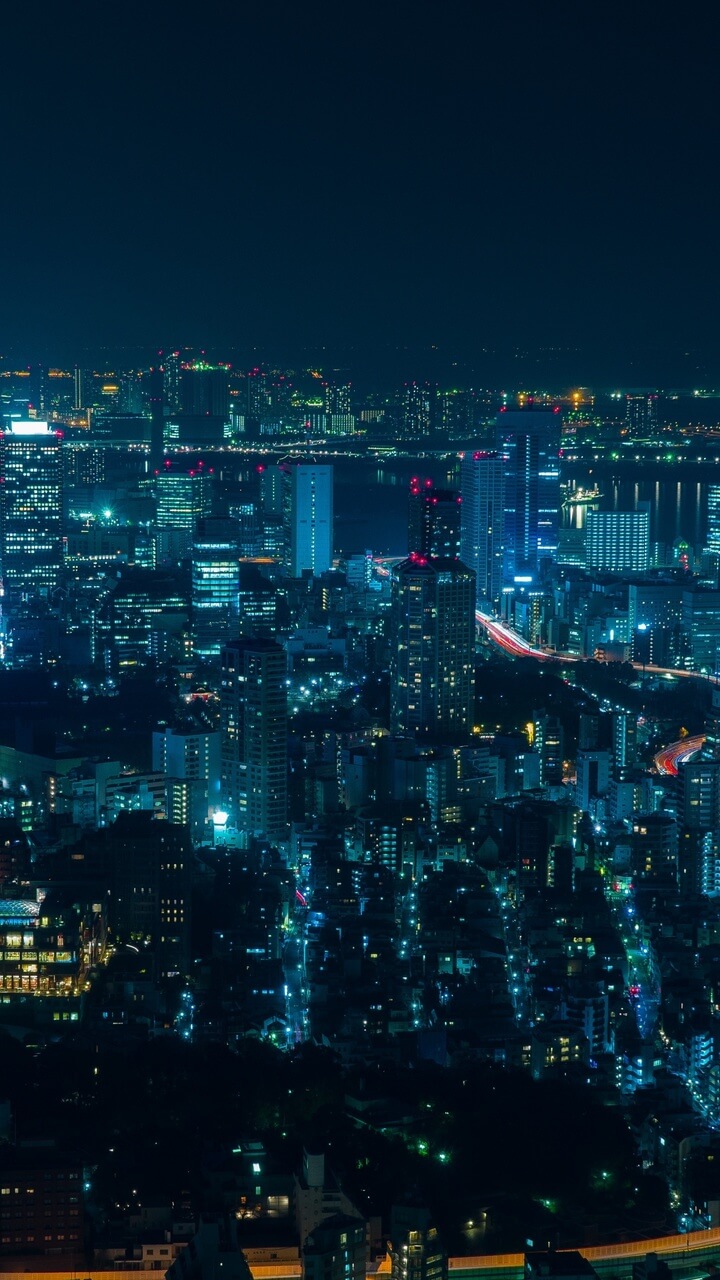
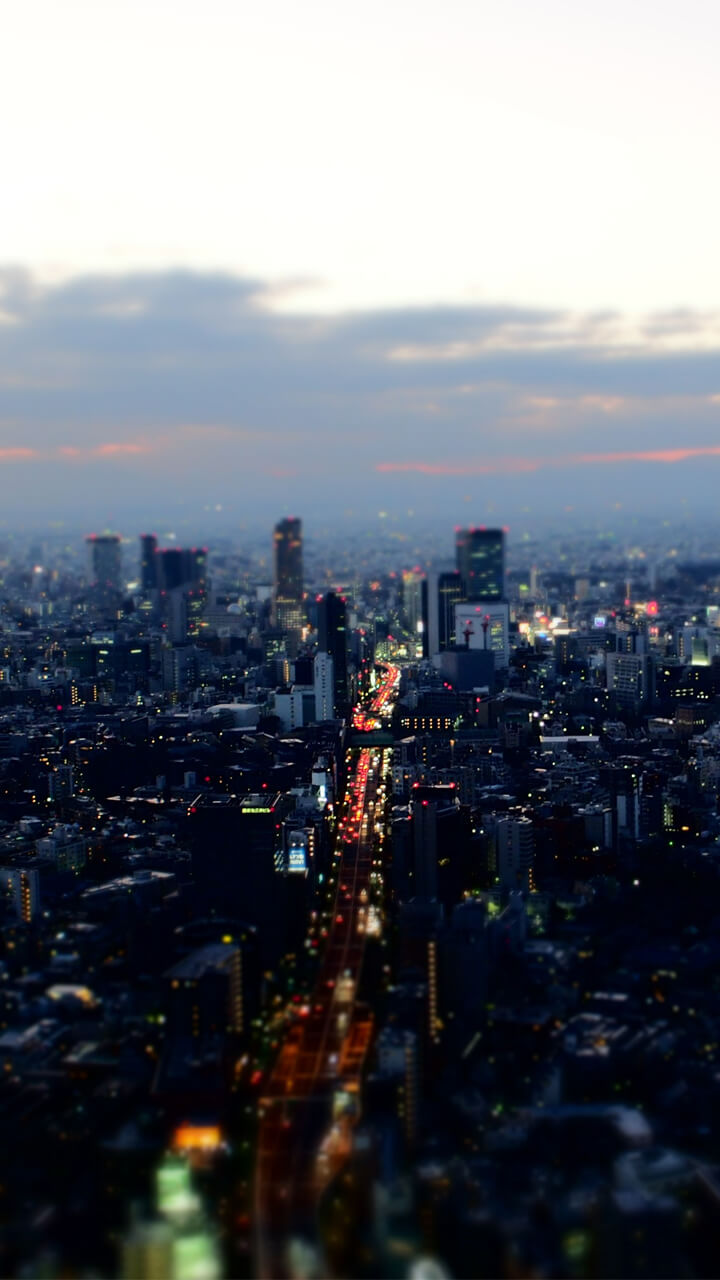
A collection of Tokyo wallpapers split between two looks: the neon of Shinjuku and the Shibuya crossing after dark, and the quieter daytime side of Senso-ji temple, Tokyo Tower and cherry blossom. The images are framed in portrait so each scene fits a tall phone screen without cropping.

About Tokyo

Tokyo is the capital of Japan and one of the largest and most modern cities in the world. The city combines advanced technology with traditional culture, including temples, gardens, and futuristic districts.

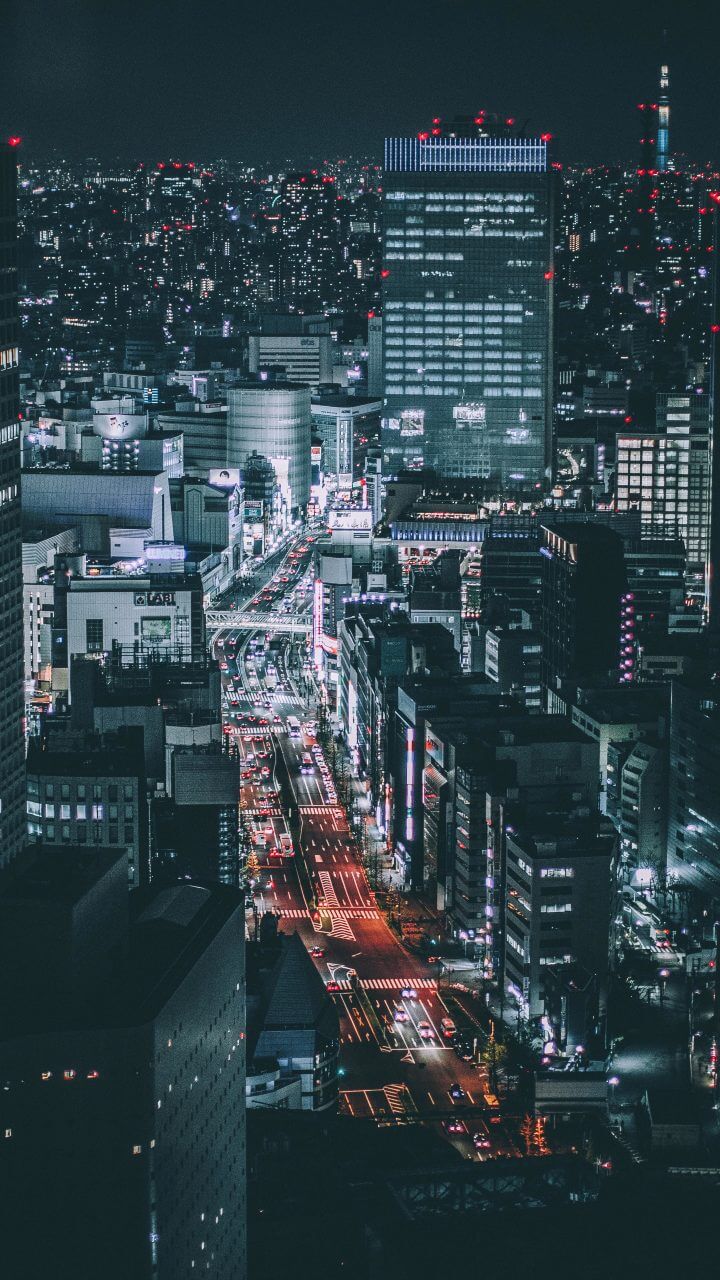
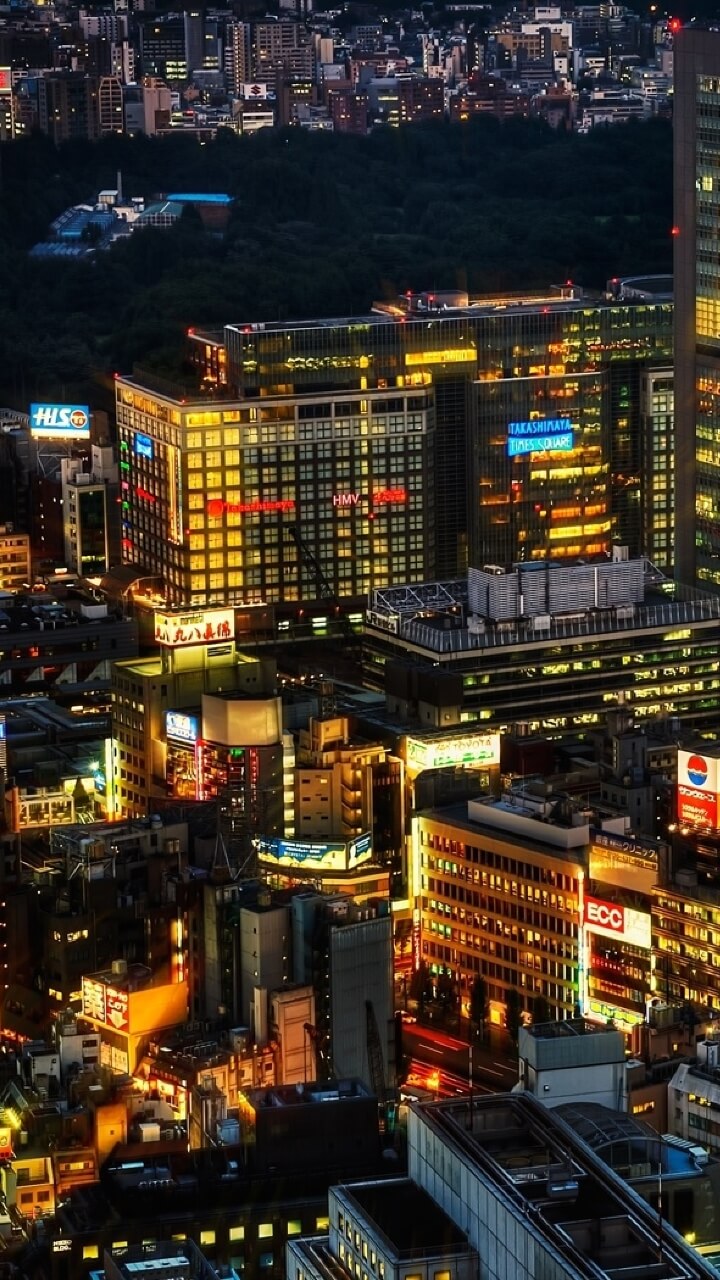
Tokyo wallpapers often show neon lights, busy streets, and impressive city skylines. These vibrant images create energetic and colorful backgrounds for Android devices.

Tokyo by Day and by Night

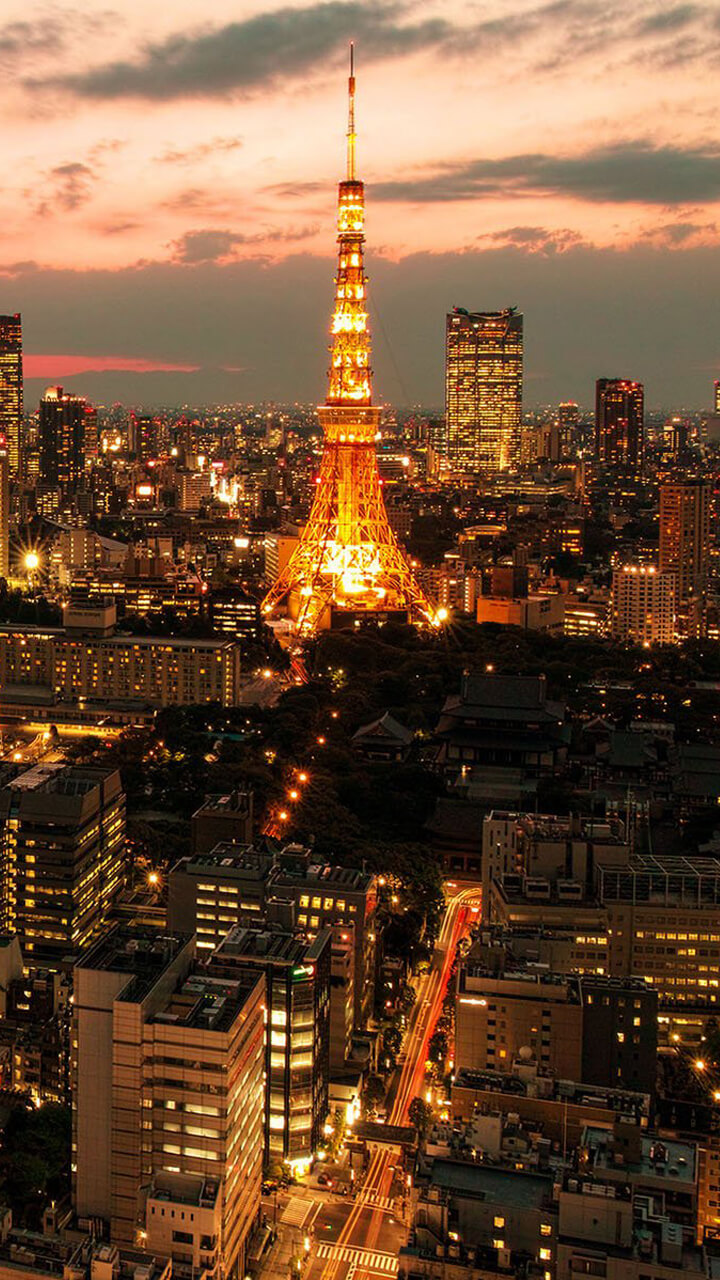
The collection runs from the glowing neon of Shinjuku and Kabukicho to the famous scramble crossing at Shibuya. It also takes in the red Senso-ji temple and the Kaminarimon gate in Asakusa, Tokyo Tower and the taller Tokyo Skytree, and distant views of Mount Fuji on clear days.

Two Sides of Tokyo

The images balance two moods. On one side are electric night scenes — reflections, neon signage and rain-slicked streets; on the other are calm daytime moments such as cherry blossom (sakura) along the Meguro River and quiet temple courtyards. That range means you can switch between an energetic look and a calmer one without leaving the collection.

Get it on Google Play
← Back to all apps

Wallpaper Preview

× Wallpaper Preview

Frequently Asked Questions

Is the Tokyo Wallpaper app free?

Yes. The install is free and the whole set — neon and daytime alike — is open from the start, funded by one unobtrusive ad slot rather than a purchase.

Which parts of Tokyo appear?

Neon Shinjuku and the Shibuya crossing, Senso-ji temple, Tokyo Tower and the Skytree, and cherry blossom scenes — split roughly evenly between night and day.

Can I mix the neon and daytime images?

It works better than it sounds, but not on the same screen. Put a Shinjuku neon frame on the lock screen and a Senso-ji or blossom frame on the home screen and the contrast reads as deliberate. Rotating between the two groups on a single screen mostly just makes your Material You accent colour jump around.

Explore More Wallpaper Apps

Hong Kong
Hong Kong Wallpaper
Victoria Harbour, neon signs and packed skyline.
New York
New York Wallpaper
Manhattan skyscrapers, yellow cabs and neon nights.
Hong Kong
Hong Kong Wallpaper
Victoria Harbour, neon signs and packed skyline.
London
London Wallpaper
Big Ben, red buses and the Thames at dusk.
New York
New York Wallpaper
Manhattan skyscrapers, yellow cabs and neon nights.
Paris
Paris Wallpaper
Eiffel Tower, the Seine and golden-hour boulevards.

Shooting Tokyo’s Two Moods

Tokyo's neon is intense, so when shooting or choosing night wallpapers, exposure locked on the brightest signs keeps the colours saturated rather than washed out. These night images suit AMOLED screens, where dark backgrounds make the neon pop and use less power. Vertical signage and tall buildings frame naturally in portrait, so they fill a phone screen without awkward cropping.

If you prefer something quieter, the sakura and temple shots give a softer, pastel alternative for a calmer home screen. Switching between the two sides of the collection — electric night and gentle daytime — is an easy way to change the whole feel of your phone without leaving the Tokyo theme.